
If you use Saxon Math in your homeschool, you already know. The curriculum is excellent. The results are real. And the grading will bury you alive if you let it.
I have six kids currently working through Saxon. Each one does a lesson a day. Each lesson has around 28 problems. If you do that math — and Saxon has certainly made sure my kids can — that’s roughly 168 problems a day that need to be checked, recorded, and acted on.
For a long time, I handled this the way most Saxon homeschool moms do: I let it pile up and graded everything on Saturday. Which worked, technically. Except that it meant my kids could spend an entire week practicing a concept incorrectly before I caught it. By the time I found the pattern on Saturday morning, they’d already reinforced the wrong method five times over.
That’s not a time problem. That’s an education problem. And it’s the one that finally sent me to Google in desperation looking for a better way.
What I found
I found MyMathAssistant and I’m genuinely not sure how I homeschooled Saxon kids without it.
Here’s how it works: each Saxon lesson has corresponding instructional videos on the platform, and kids type their answers directly into the system. I still teach the lesson myself most of the time — but for my kids who are naturally strong in math, or on mornings when I have an early meeting and simply no time to teach, the videos are right there and they work.
But the videos aren’t even the main feature. The main feature is this: the system tells kids immediately whether their answer is correct — without giving them the answer.
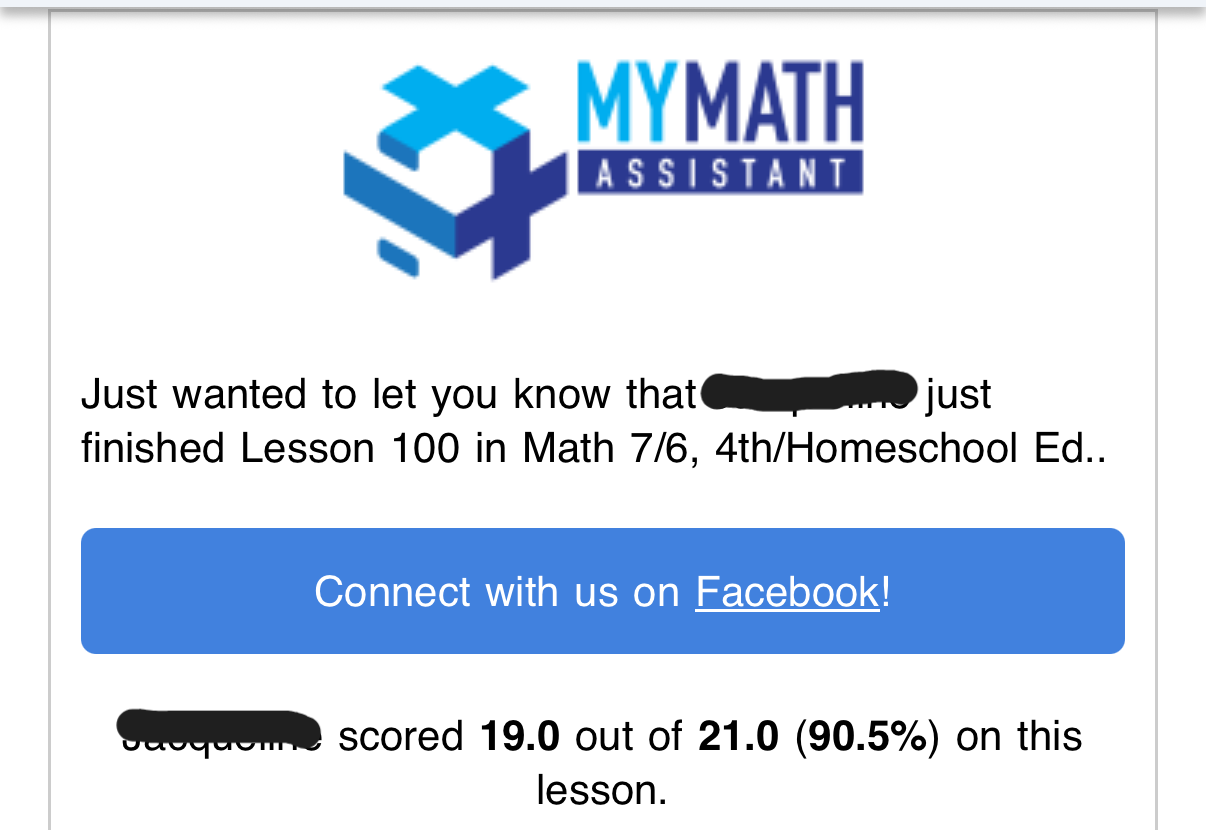
You set how many attempts each child gets per question before it gets flagged as “needs help.” I allow three tries, which accounts for typos and simple errors without just handing them the answer. They work through it, they try again if needed, and when they’re done I get an automatic email summarizing exactly how it went — how many questions were right on the first try, how many needed more than one attempt, and how many are flagged as “needs help.”
This means I only ever have to sit down with the problems my child is actually struggling with. Not all 28. Just the ones that need me.
What my day looks like now
I check the progress emails each day as they come in. Depending on how many questions are flagged, I either sit down with that child that evening or the next morning to go over the “needs help” problems. The whole thing takes a fraction of the time it used to, and — more importantly — I’m catching struggles within 24 hours instead of five days later on a Saturday.
It also tracks the types of questions my kids are missing over time. So if one of my kids keeps struggling with a specific concept, I can see that pattern emerging early and address it before it becomes a bigger problem. That kind of insight used to require me to manually track every missed problem across every lesson. Now it just shows up in my dashboard.
For tests, I turn off the retry option — no redos on test day. When they finish I manually review any wrong problems to determine if partial credit applies, enter those points myself, and the system maintains their overall grade going forward.
Is it the prettiest website you’ve ever seen? No. But it is one of the most functional tools in my entire homeschool system. Seriously, take my money.
The honest limitations
I want to give you the full picture because that’s how I’d want someone to tell me about a tool.
The settings take some trial and error. There’s a lot of flexibility in how you configure things — which is genuinely great — but it also means the setup isn’t plug-and-play. Give yourself some time to get the settings dialed in before the school year starts rather than figuring it out mid-September.
I wouldn’t start it before third grade. The interface requires kids to type in their answers, which includes things like fractions entered with a “/” symbol. For younger kids that interface is just going to be one more thing to manage on top of the math itself. I’d stick with hands-on grading for the early elementary years and bring in MyMathAssistant when your child is ready to work more independently.
What it costs
There’s a free trial so you can see if it works for your family before committing. After that it’s $4.99/month for one student or $8.99/month for a family plan of up to five students.
I have six Saxon kids, so I’m paying a little more — and I would pay significantly more without blinking. When I think about what my Saturdays used to look like hunched over a stack of math papers, and what they look like now, the math is easy. This tool gives me hours back every single week.
One more thing worth knowing: You don’t have to wait until the start of a new school year to try this. You can start MyMathAssistant in the middle of a Saxon book without any problem — just pick up wherever your child currently is. So if you’re reading this in October or February and thinking “I’ll try it next year,” you don’t have to wait. Next Monday works just fine.
If you’re a Saxon family drowning in grading, go try the free trial today. You can thank me later.